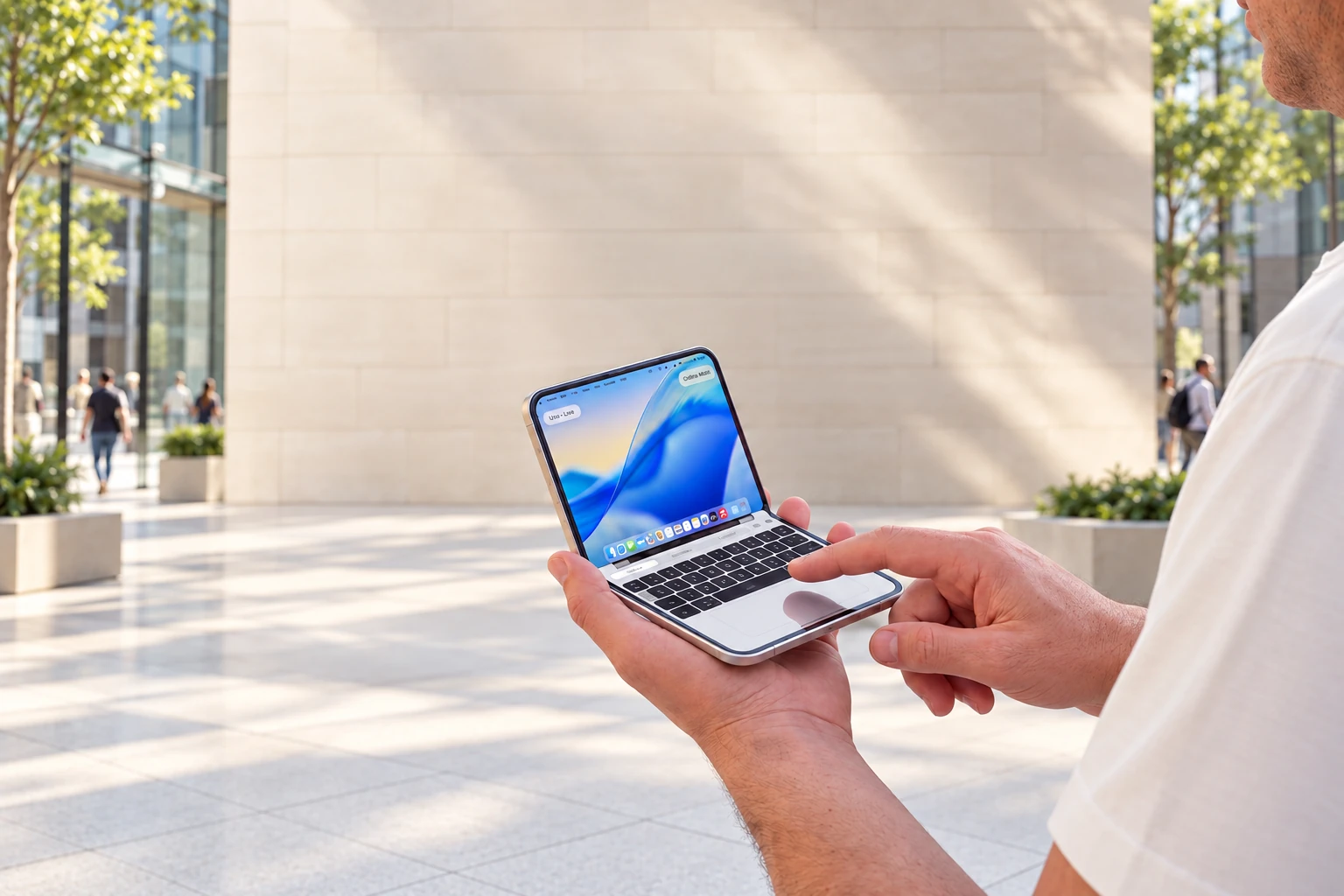
Your Mac. With you.
Pick up the apps and work you left open on your Mac, wherever your day takes you.
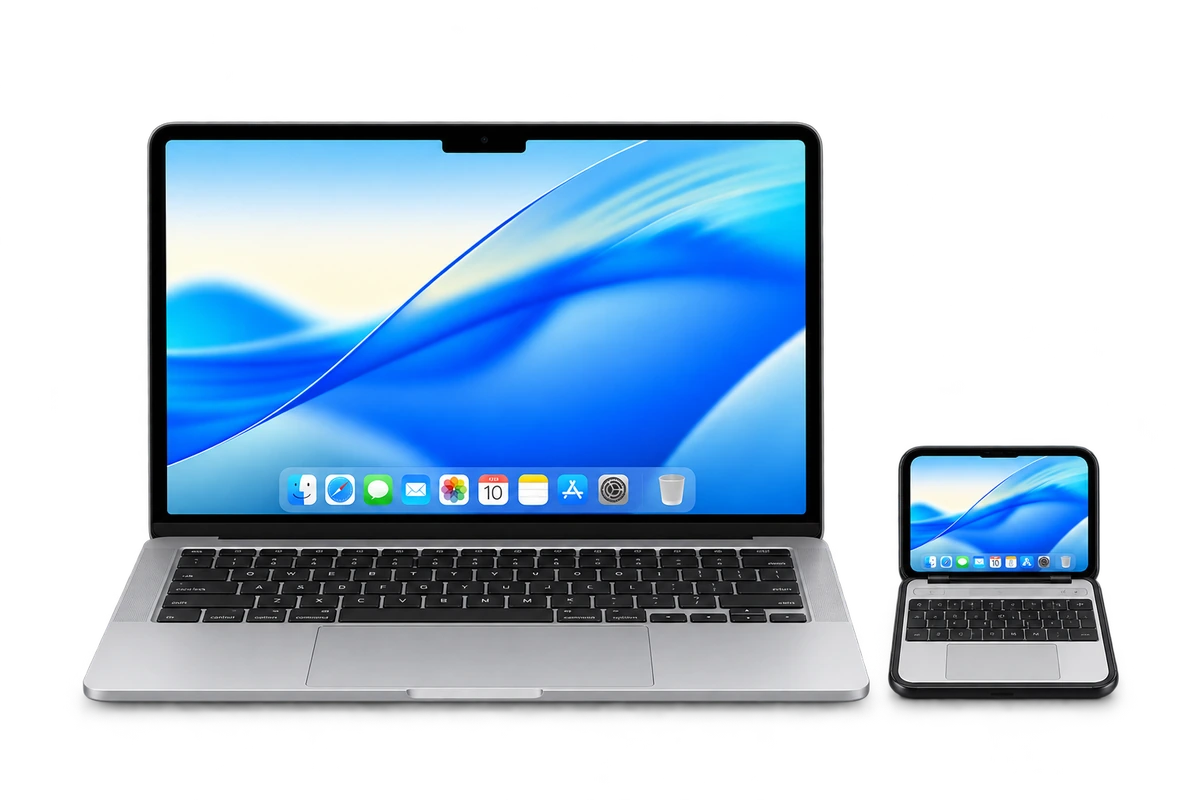
Exclusively for iPhone Duo.
Mirror and control your Mac from your iPhone Duo,
even when you’re away.
£9.99 · One purchase Free Mac companion.
Get to know TinyBook
Pick up the apps and work you left open on your Mac, wherever your day takes you.
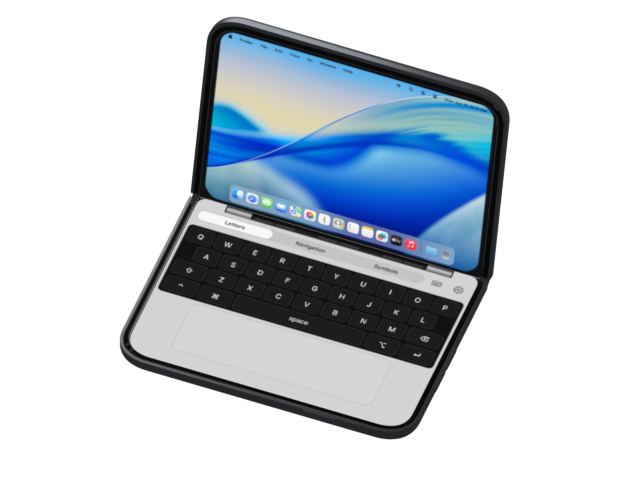
A keyboard, trackpad and precision zoom. All made for your Duo.
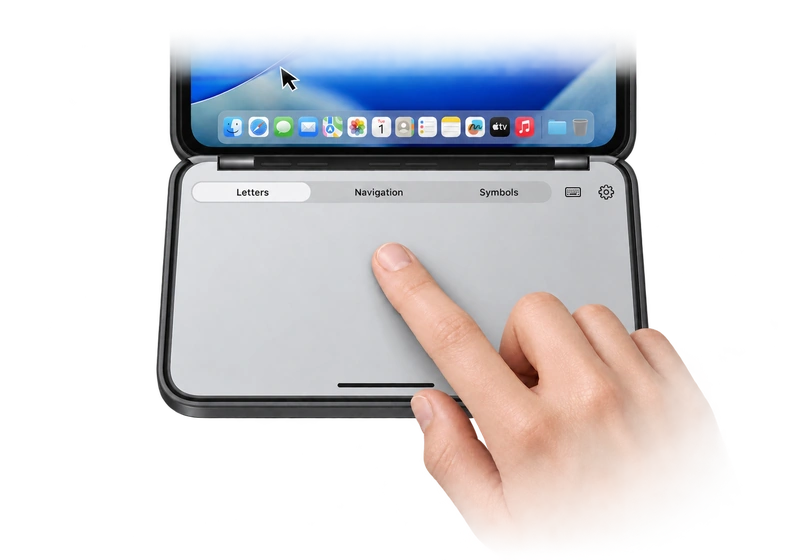
Choose your keys and finish. Add bespoke stickers or a photo of your laptop.
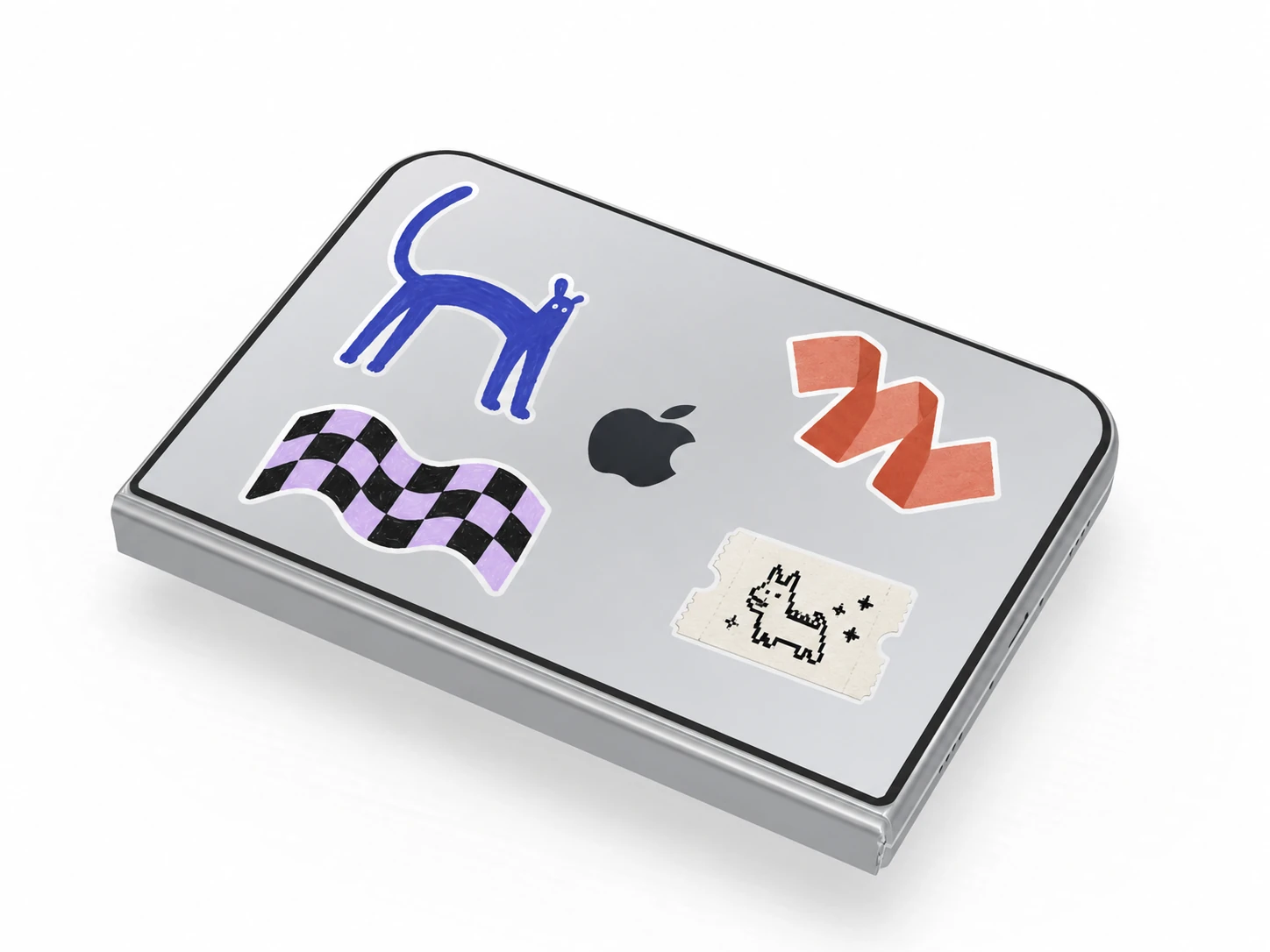
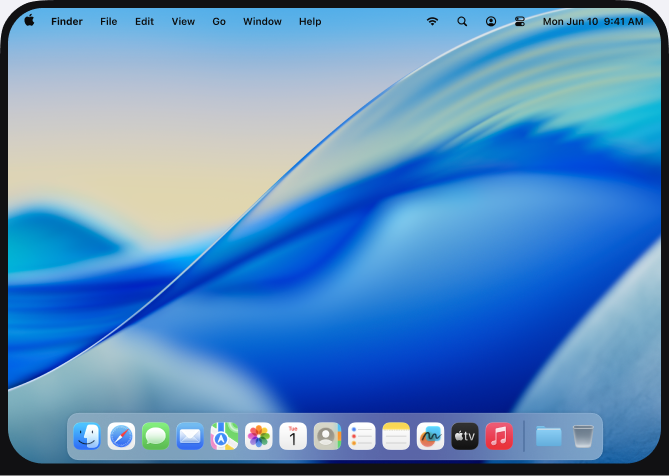
Get a closer view of the details on your Mac desktop.
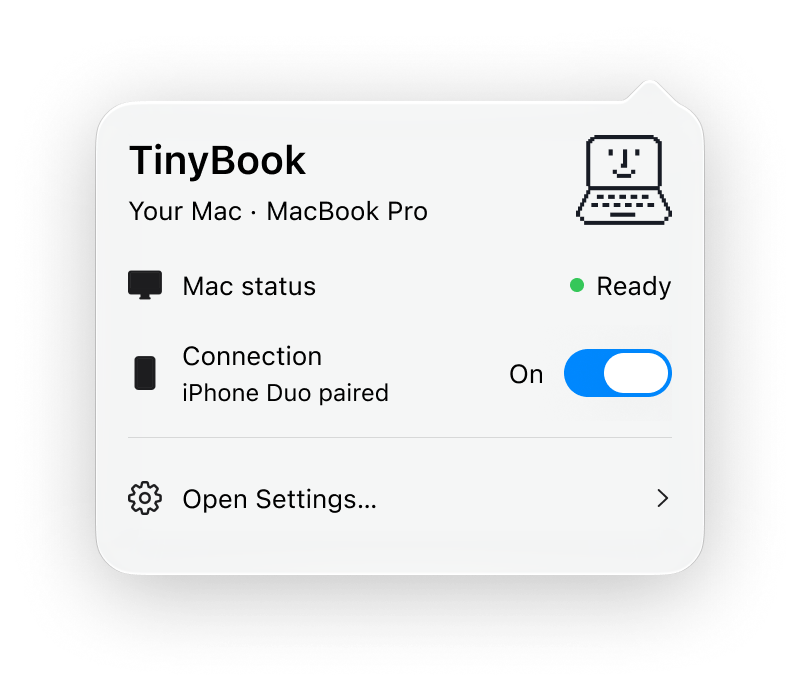
The free Mac companion prepares your Mac for your Duo.
The experience
The apps you know, with a keyboard and trackpad made for your Duo.
See your Mac desktop on your Duo. Changes stay on your Mac.
Explore the desktopTry the trackpad. Tap a key to edit the note.
An interactive website demo. No Mac connection needed.
Explore the dock, or swipe the trackpad to move the pointer.
Your day, uninterrupted
A quick correction. An export to check. The familiar apps on your Mac, when you need them.

Check your export’s progress from your Duo, while the work stays on your Mac.

Fix a word in the file you left open. Then get back to your day.

Review your desktop agent’s latest result and give it the next instruction.

Try the simulator you left running and see the result on your Mac.

Pause a Hazel rule from your Duo. Keep your Mac’s routines in step.

Your Mac. Wherever you need it.

The free Mac companion
A simple connection from your Mac to your Duo.
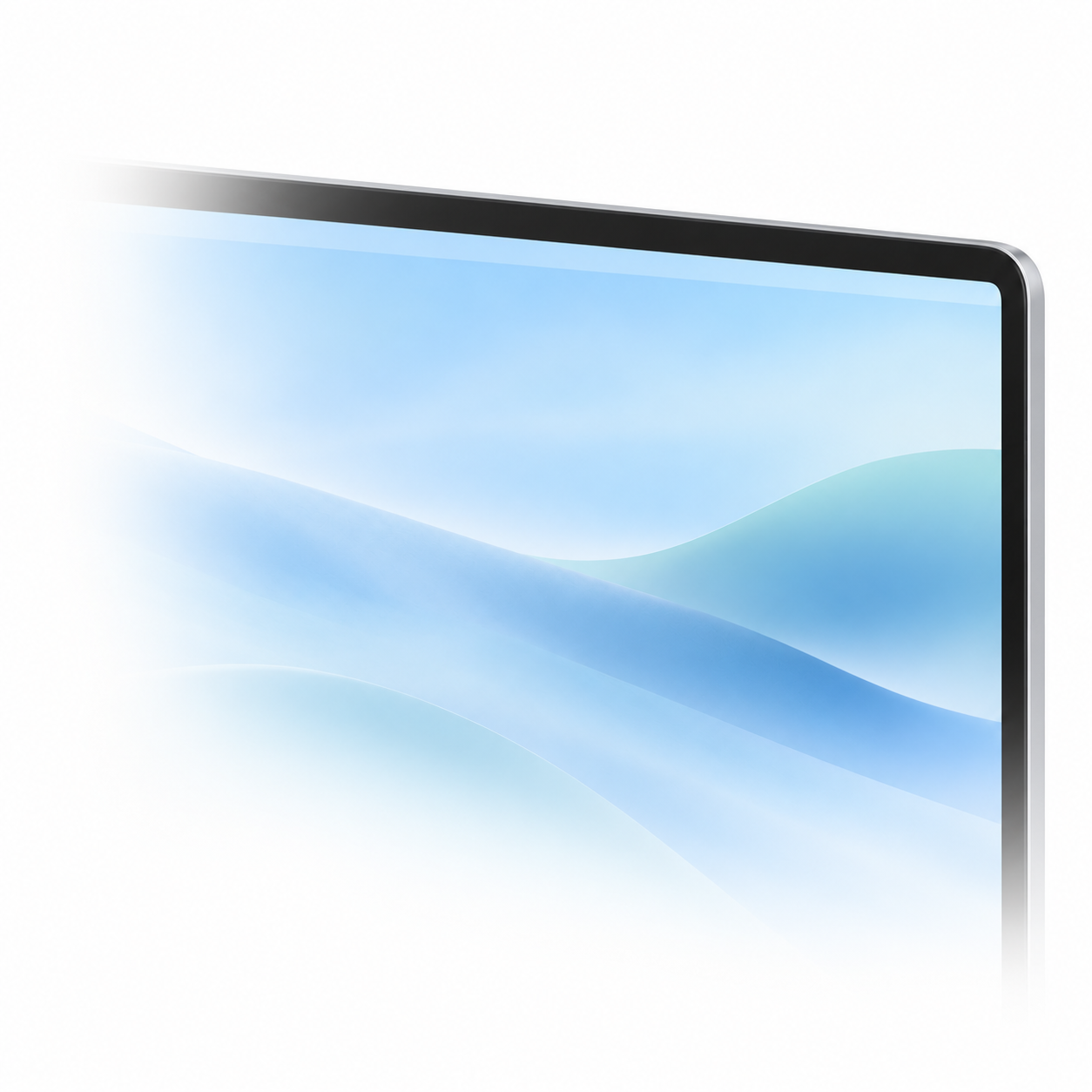
Install the companion and prepare your Mac.
Connect TinyBook and review access beside your Mac.
Open your desktop from your Duo when you’re away.
Leave your Mac awake, online and signed in. Read the setup guide
Make it yours
A simulation of your MacBook, inside your iPhone Duo. Choose your keys and finish, then add your own details.
All looks are included. Classic is a design preview.
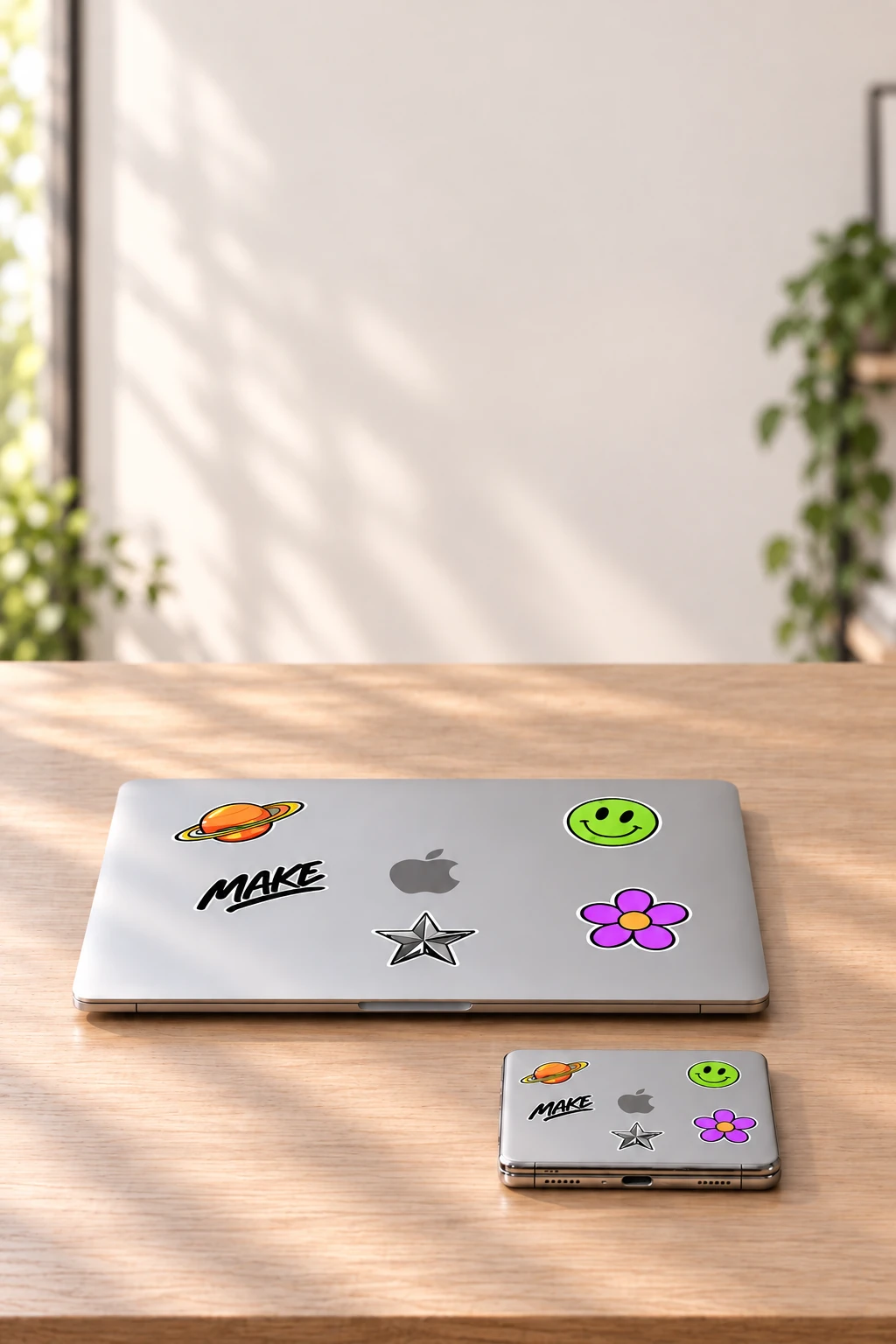
Take a photo of your laptop lid. Adjust the corners. Bring its stickers and familiar details to TinyBook.
TinyBook for iPhone Duo
£9.99
No subscription.
10% of your app purchase supports Race Against Dementia. Why we give
Free Mac companion.
Mac setupiPhone Duo · iOS 27.1 · macOS 15 or later
Designed for iPhone Duo with iOS 27.1 and Mac with macOS 15 or later. Your Mac must stay awake, online and signed in. Remote access is designed around a private Tailscale route and Apple Screen Sharing over SSH. Prepare and test away access before you leave. Setup guide
A little giving
A little from every eligible purchase supports Race Against Dementia and the researchers working to tackle it.

Race Against Dementia
Meet the researchers
Yes. TinyBook is made exclusively for iPhone Duo with iOS 27.1. Its controls and digital lid are designed for the Duo’s folding display. Other iPhone and iPad models are not supported.
Your Mac runs macOS and your apps. TinyBook mirrors that desktop to your iPhone Duo and gives you a keyboard and trackpad to control it remotely.
Yes. Set up your Mac before you leave, then connect from your Duo over Wi-Fi or cellular. Your Mac needs to stay awake, online and signed in.
An iPhone Duo with iOS 27.1 and a supported Mac with macOS 15 or later, with the free companion installed. Your Mac can be a desktop or a laptop.
Switch between Letters, Navigation and Symbols. Use the trackpad to move the pointer, click, drag and scroll. Hide the keys for more trackpad space; in landscape, bring up the floating keyboard when you need it.
Yes. Choose a clear photo of your laptop lid, adjust the four corners and review the artwork before saving your little lookalike.
Photo correction and sticker editing stay on your device. Optional Image Playground styling can use Apple’s servers; you review the result before applying it. Your original photo follows your Photos settings.
Yes. TinyBook is £9.99, with one purchase and no TinyBook subscription. The Mac companion is included free.